Choose an object or image.
Detect a supported everyday object, or register an image and description for a reference target. The second mode can recognize an image or sticker associated with an item.
 VirtualNavigator
Project video
VirtualNavigator
Project video
We built a phone-based prototype for finding everyday objects. It combines a camera with an arrow, spatial audio and vibration, so guidance doesn’t depend on a screen alone.
Be My Eyes inspired the project. The idea was to explore one specific everyday task: finding an object nearby, such as a cup on a table or an item on a shelf.
A phone seemed like a useful place to start. We could work with its camera and vibration motor, add spatial audio, and let someone choose what they were looking for.
Select a target, orient the phone,
and use the cues to find it.
Detect a supported everyday object, or register an image and description for a reference target. The second mode can recognize an image or sticker associated with an item.
An arrow and spatial audio point toward the target. Vibration adds an alignment cue when the phone is pointed at it.
Cycle through targets, switch modes and stop a search. Accessible labels and spoken feedback help explain the available controls.
We chose YOLOv3-tiny after researching models suitable for a phone. We initially tried TensorFlowSharp, then moved to Unity Barracuda because its documentation and support made integration easier to work through.
You can choose a detected object or a saved reference image. In image mode, the app tracks that image—a sticker on a notebook, for example. The arrow shows which way to turn the phone toward the selected target.
Watch the original project video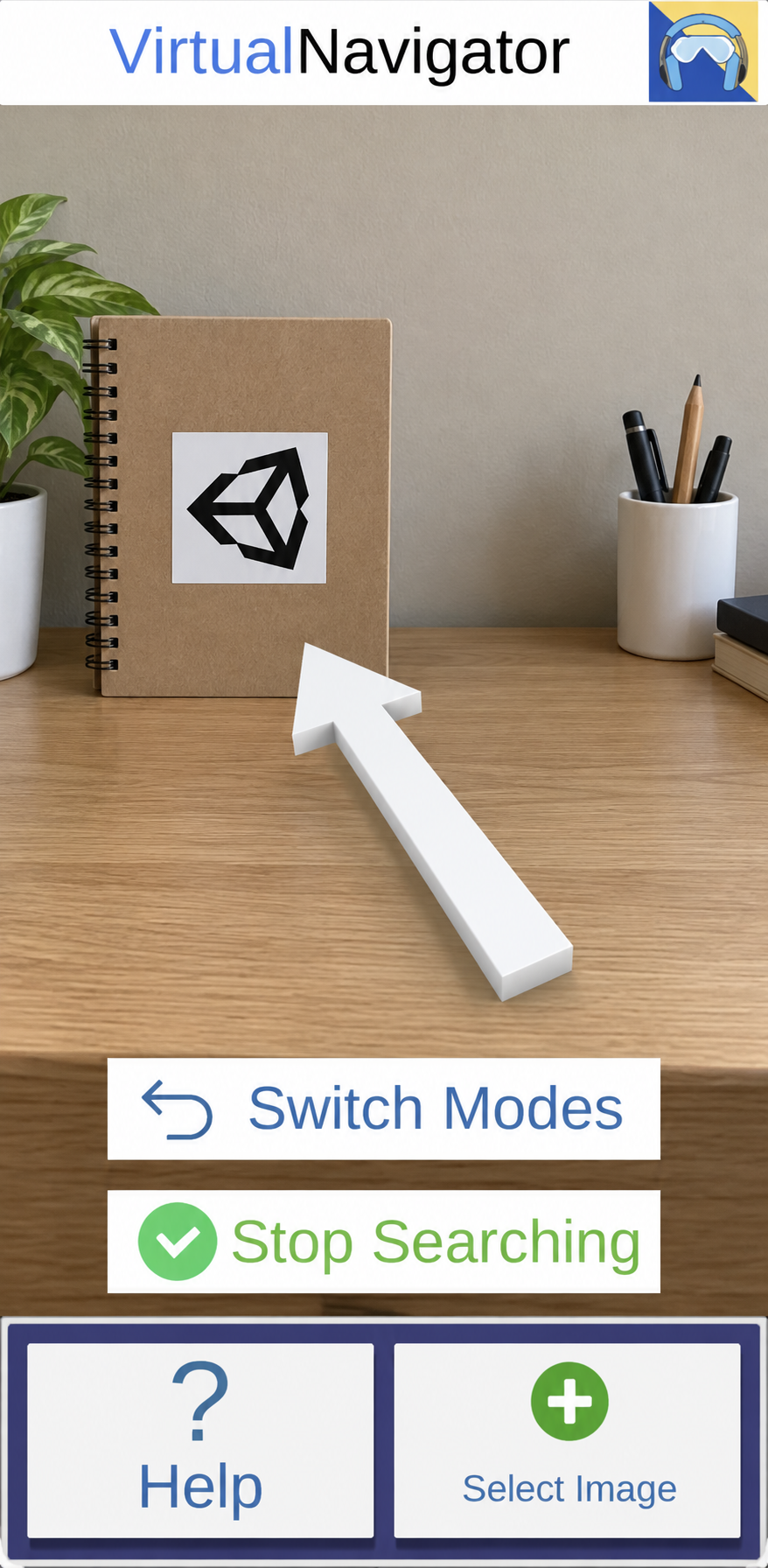
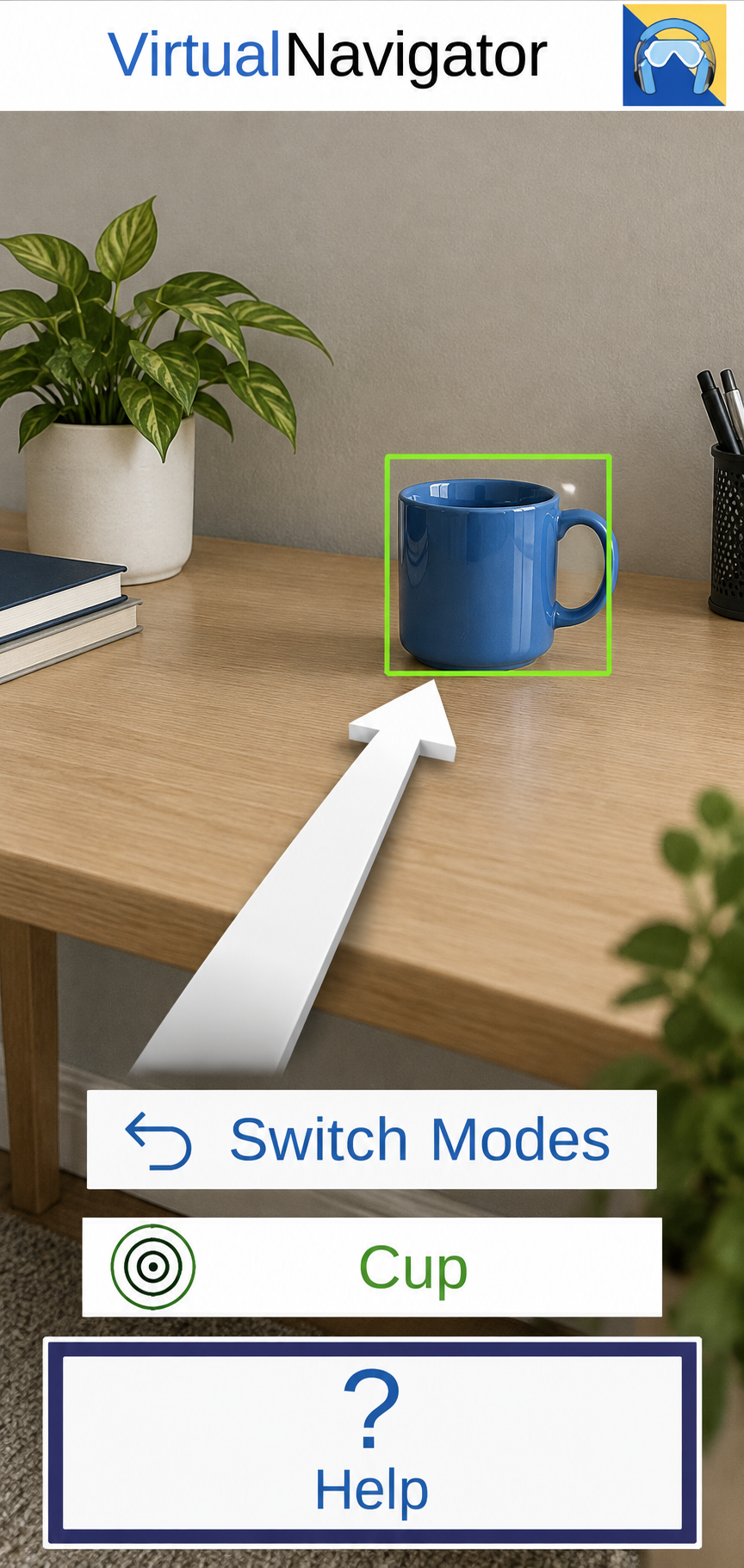
Illustrations based on the original interface. The video above shows original phone footage.
Choose an object, then switch to an image reference. This illustration explains the two modes using a made-up scene; it doesn’t run the model or access your camera.
Notes from our course milestones
and peer playtests.
The first milestone and XRNavigation devlog introduced the project to the class. Early work explored recognizable images and stickers, and how to select a target and guide attention toward it.
After our alpha submission, peers tried both modes on December 7. The difference between them was confusing, even with audio and vibration working. That feedback pushed us toward a clearer interface, smoother mode switching and better website instructions.
We submitted the final project and brought the app, website and trailer to the class showcase. The website explained the project’s purpose and showed how it worked. We focused on the core interaction and left the unfinished radar for later.
The original site used WordPress and the Neve theme. This page was rebuilt from the original site recordings and surviving project files.