On the bench
A real signal, from a real button.
A small set of Zigbee sensors talks to a Raspberry Pi. The setup page lets me press a button and check that this press—not an old message—arrived.
In development · September 2026
I started CareOps with a Raspberry Pi and a handful of sensors. I wanted to press a button, see its message arrive, and know where to look when it didn’t.
Here’s what I’m working on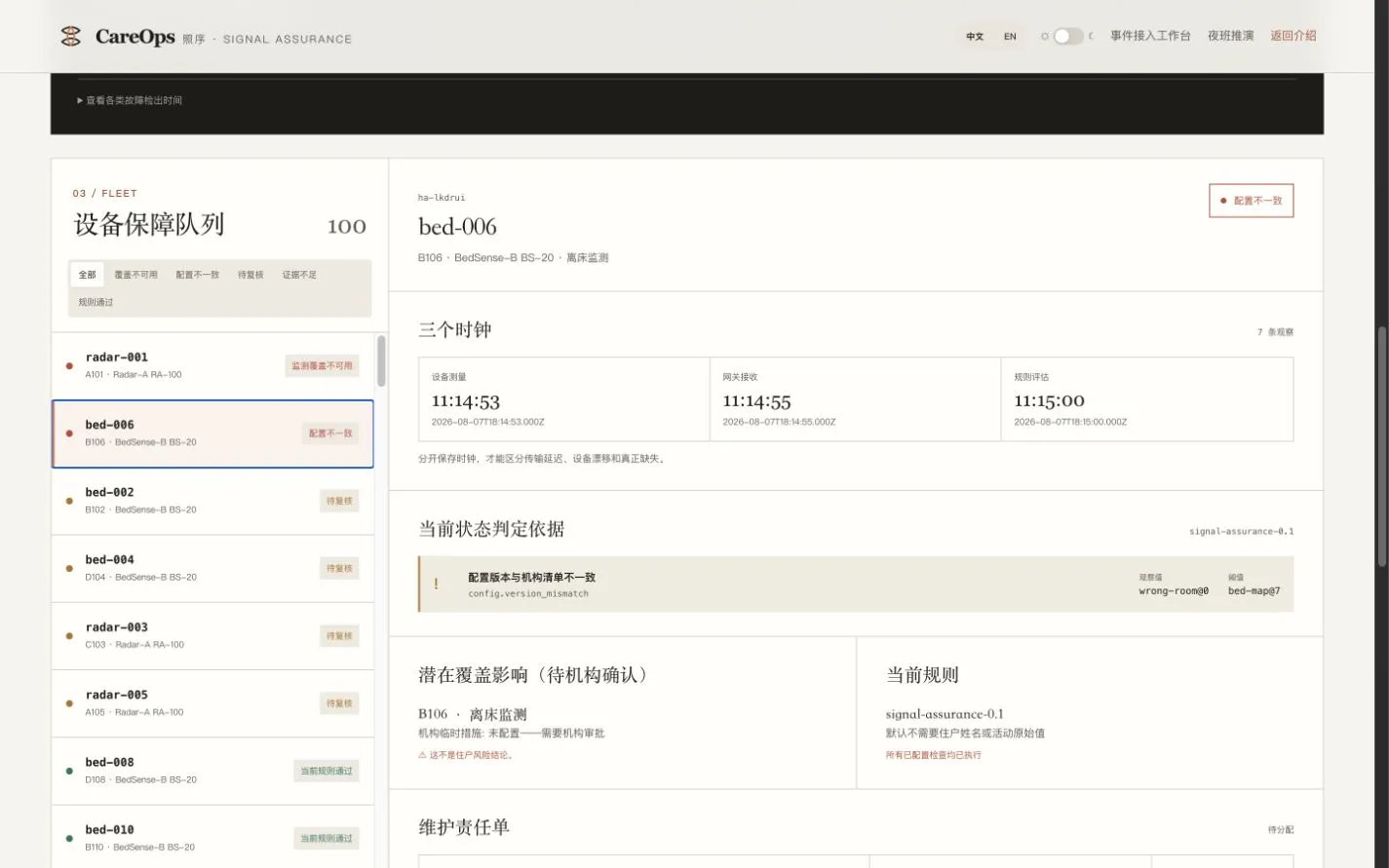
The question behind it
A device can still be connected while its messages arrive late, go quiet, or belong to the wrong setup. If someone is going to rely on that information, I want those gaps to be visible.
That’s the part CareOps checks: the path from the sensor to the screen.
A simple view of the setup I’m building.
A Zigbee message leaves the device.
A local queue holds it for upload.
Which device? How recent? Does the information agree?
See what needs attention, then check again after a repair.
The hardware path and follow-up workflow are being tested separately. This diagram brings them together; it isn’t a live readout.
Where it is now
Working pieces from the bench,
the browser and the phone.
On the bench
A small set of Zigbee sensors talks to a Raspberry Pi. The setup page lets me press a button and check that this press—not an old message—arrived.
In the code
The receiver keeps a local queue when an upload fails. Messages stay there for another try, including after the collector restarts.
In the prototype
The repair flow keeps the issue, the person handling it, and the re-check together. Clicking “done” alone is not enough to close it.
On my phone
A private iPhone app brings together receiver status, device alerts and a button test. The setup screens also work in Chinese and English.
The part I keep coming back to
A quiet sensor isn’t always broken. A new packet doesn’t always mean a problem is fixed. I’m combining direct device checks with timing-based experiments, while keeping the reason for each result visible.
The next step is testing those decisions against controlled interruptions—and seeing whether another person can understand what to do next.
No recent message
isn’t the same as
nothing happened.
Show the last known evidence. Keep uncertainty visible. Ask for a fresh check.
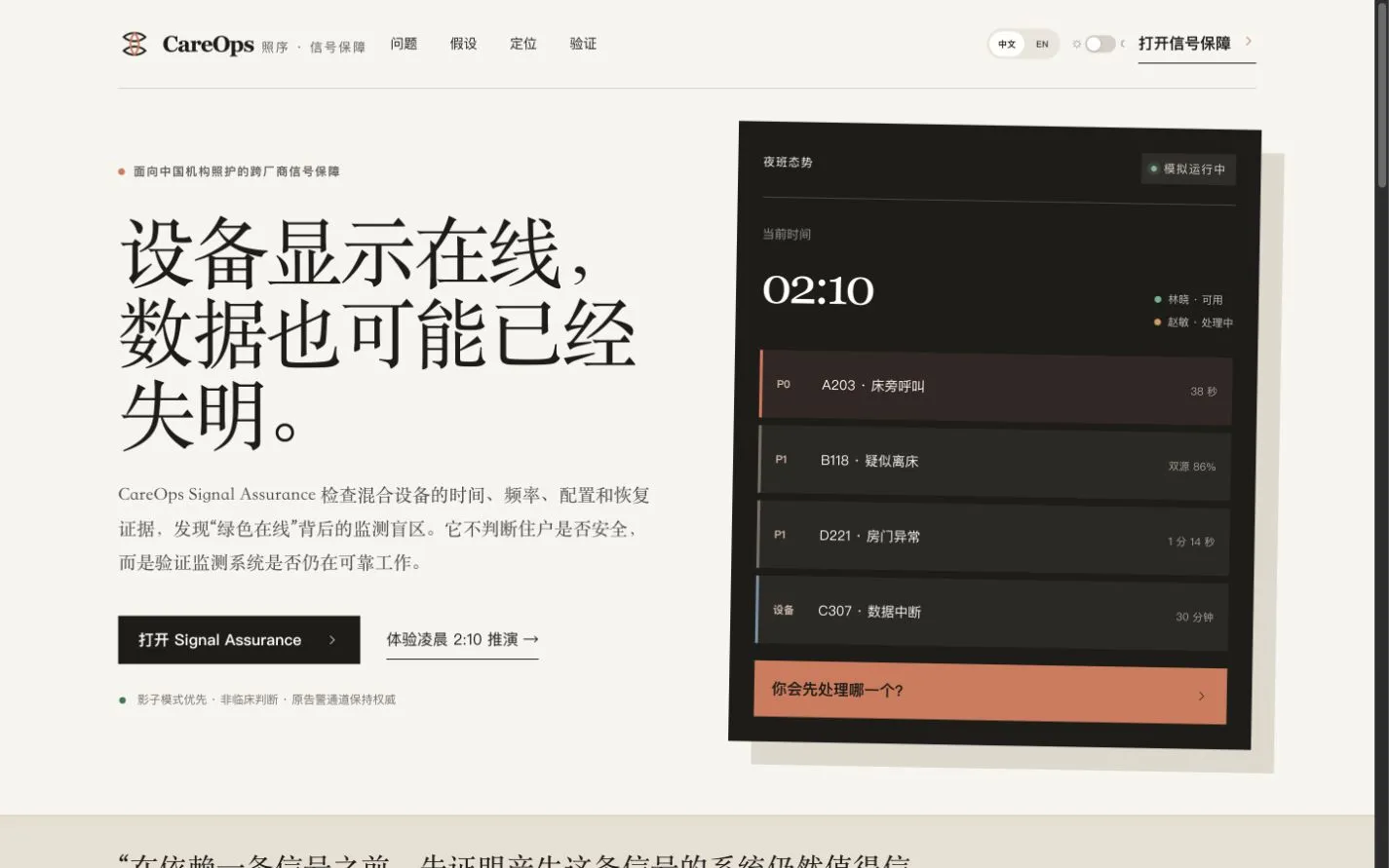
What comes next
I’ve spent plenty of time making the pieces talk to each other. Now I want to make the setup understandable without me standing beside it.
That means clearer instructions, recovery checks after a restart, and trying the flow with people who didn’t build it. I’m also exploring simple everyday tools, starting with what someone wants to do—not a diagnosis.
CareOps is a private prototype. It checks device information, not a person’s health or safety, and it isn’t an emergency call service.