In development / Version 0.5
A room you can
interact with.
I’m exploring how we could understand and interact with the things around us. Select the robot to check its task. Adjust a light beside the lamp. Close the curtains where they hang.
Watch the latest buildRead what happens in the video
- The cleaning station empties its dirty tank, refills clean water, and completes a cleaning cycle.
- The lamp changes to blue and rose at 65% brightness, switches off, then comes back on.
- The sheer curtains move halfway across the window while the blackout layer closes.
- The projector brings a moving landscape onto the wall. Its controls close to leave the picture visible.
- The viewpoint steps forward, turns, moves sideways, and returns to a wider view of the room.
In the room
A few everyday
moments.
The object is the starting point.
Its controls stay close by.
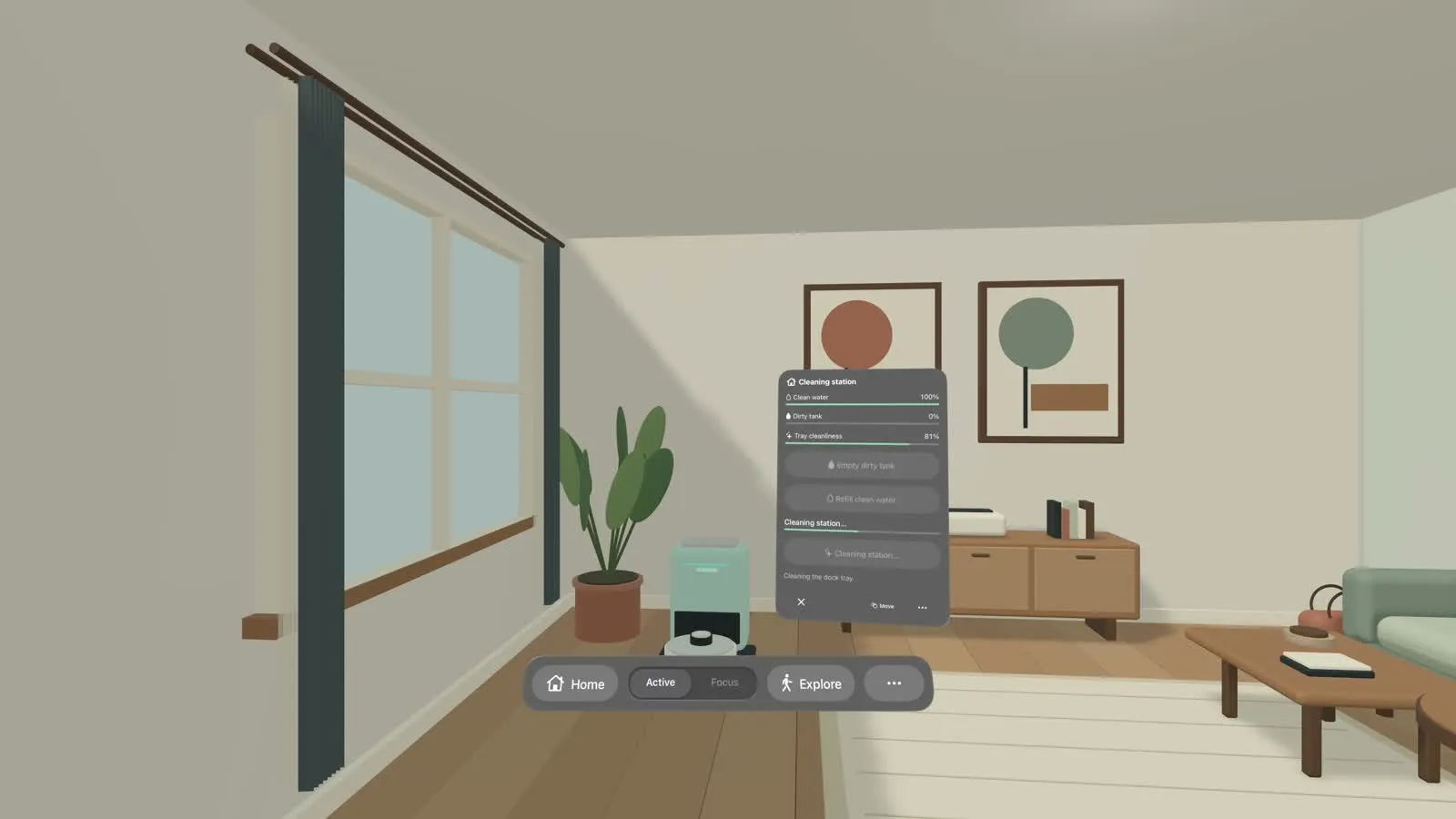
The robot has a task. The dock needs care.
Start or pause cleaning from the robot. At the dock, check the water levels, refill a tank, or clean the station.
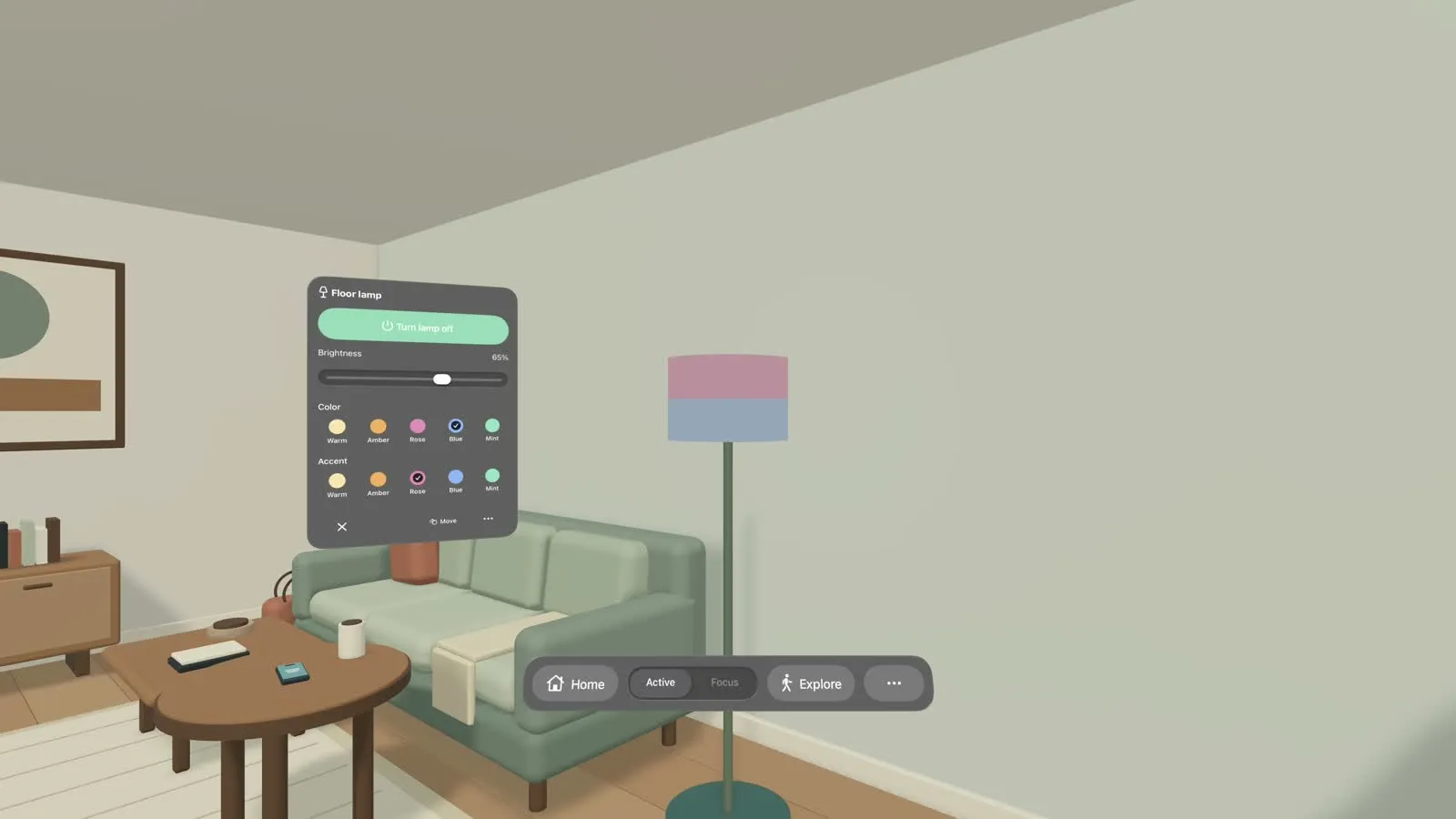
Change the light, right by the lamp.
Choose two colors, adjust the brightness, or turn it off. The lamp stays in view while you change it.
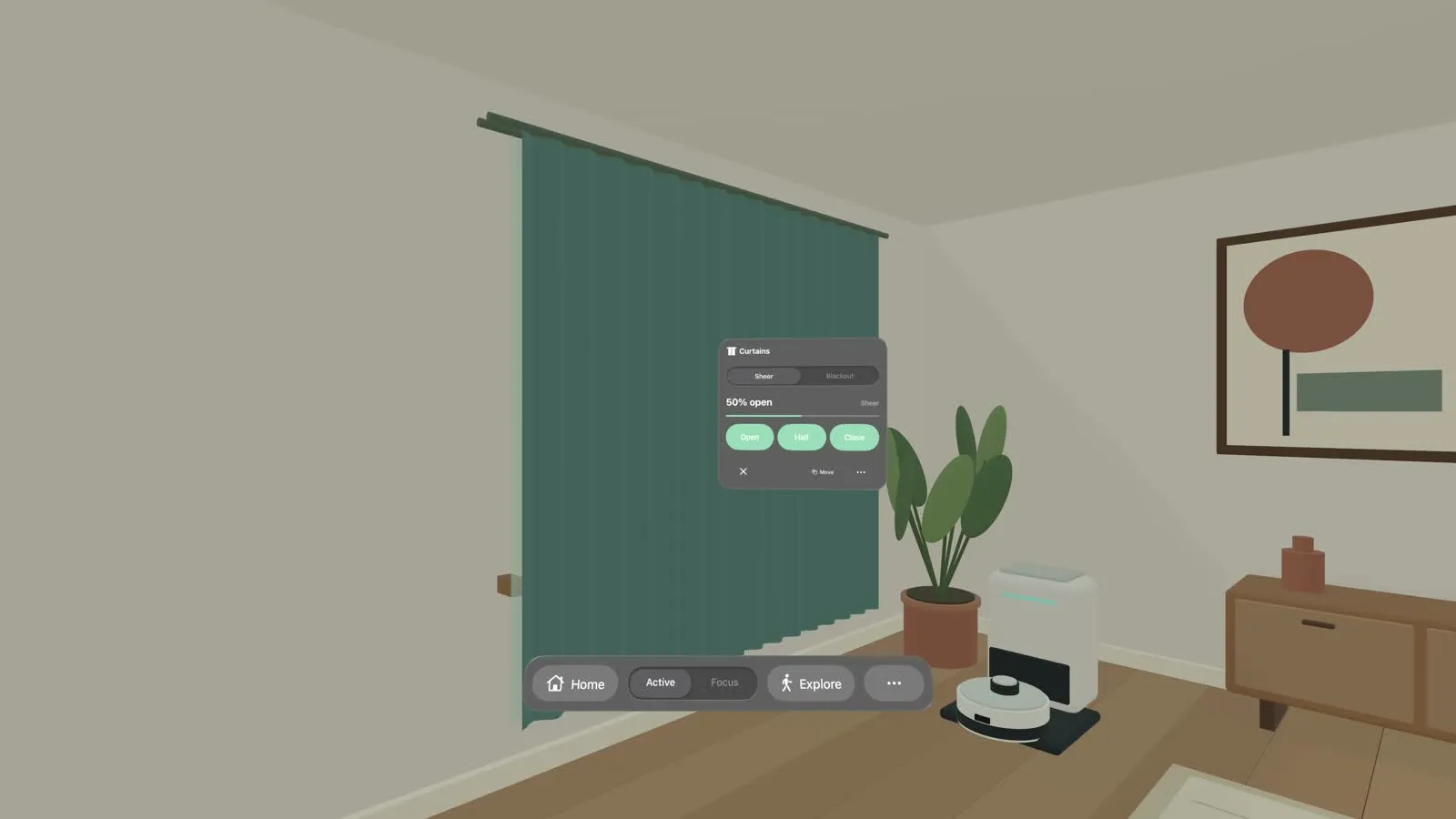
A little light. A little privacy.
Move the sheer and blackout curtains separately. Leave either layer open, halfway, or closed.
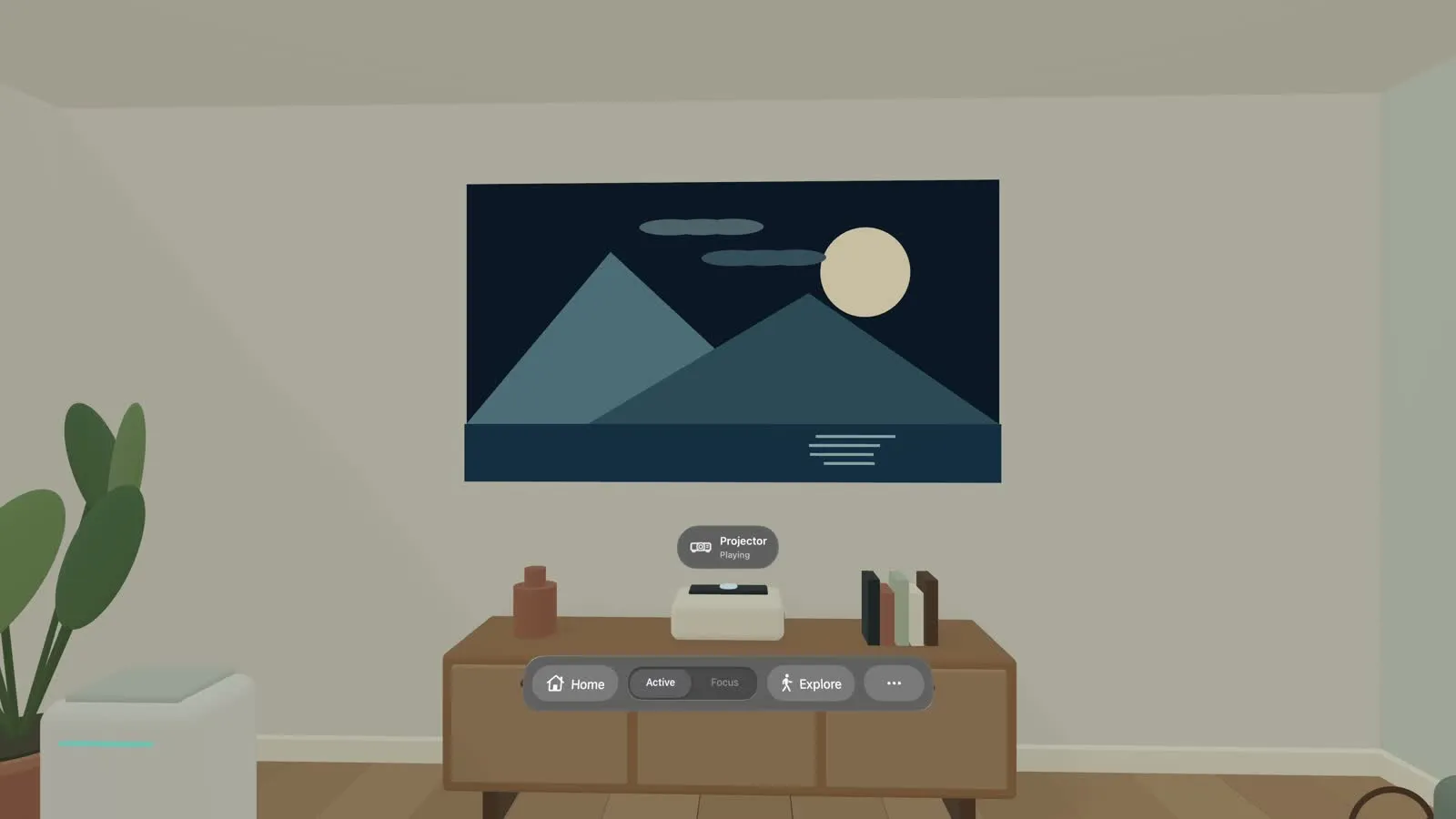
The wall becomes a place to watch.
The media console opens the projector controls. An animated landscape appears on the wall, leaving the rest of the room around it.
Keeping the room in view. Active mode shows what’s happening. Focus makes the room quieter. Home keeps every device within reach. On Mac, WASD and Q/E let me move through the scene and check it from different angles.
How it got here
It started with
“Where is it?”
Finding an object was the first question. What we could do once we found it became the next one.
Visit the 2022 project2022
Finding an object
A four-person XR course project at Michigan explored phone guidance through an arrow, spatial sound, and vibration.
2026 · v0.1–0.2
Remembering a place
The Vision Pro experiment began with a known image. Losing its location when I moved away led to work on saved spatial anchors.
v0.3
A room to try things in
The question grew from finding things to interacting with them. A furnished virtual room gave those ideas somewhere to take shape.
v0.4
Learning from the headset
Testing exposed reopening and sound issues, and led to an experiment with movable system windows.
v0.5 · now
Back beside the object
Glass controls return to their objects, with quieter labels, separate dock actions, lighting, curtains, and room exploration.
On the workbench
Working, and
still taking shape.
This is a native prototype for Mac and Vision Pro. The room and device responses are built into the app; connecting a real home is a later step. The video shows a scripted sequence running in the native app.
I’m working toward interactions that can combine visual cues, sound, and clear text. The next headset review is about readability, comfort, and sound. Testing with people who have different access needs is still ahead.
About this build
The September 21 build passed 112 automated checks and a manual Mac interaction review. Earlier versions were tried on Vision Pro; this video shows version 0.5 in Apple’s simulator. It demonstrates the interaction design in a room created for the prototype.